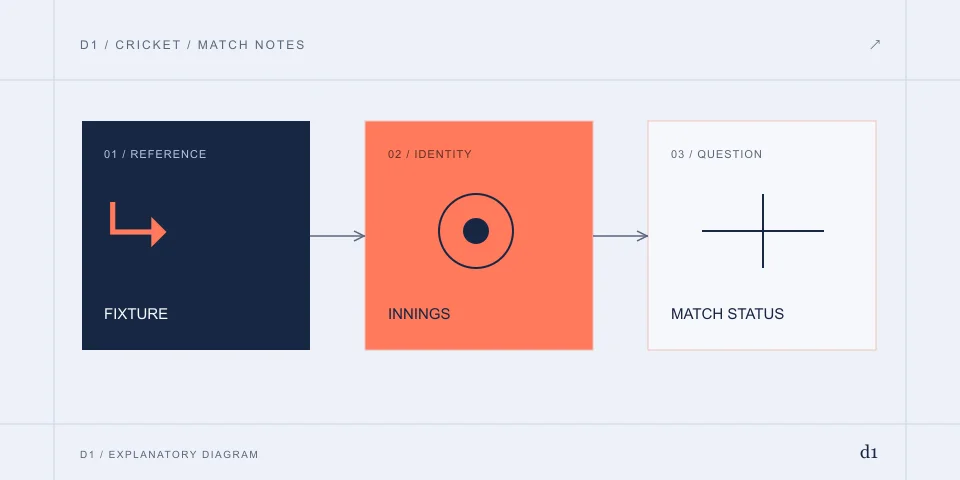
Find today’s match with the full title
Check the competition, date, venue and complete team names. India Women, India A and India Under-19 are different teams. A search for yesterday’s score should land on the completed fixture, not a similarly named upcoming match.
When to use this route
You need the correct live or archived match.
What to do, in order
- Select teams, competition, date and format together.
- Confirm the innings or match state rather than relying on a short team pairing.
- Use that fixture identifier for commentary, statistics and any later report.
How to recognise the result
The score and commentary refer to the intended match.
If it does not resolve
- An archived match between the same teams is a different event.
For the publisher and product boundary, read Cricbuzz
17.4 overs means 106 legal balls
An over label separates completed overs from additional legal balls; it is not a decimal. Use the legal-ball count for rates. The worked 17.4-over example is in the linked Cricbuzz article.
| Display | Interpretation |
|---|---|
| 17.4 overs | 17 complete overs and 4 legal balls |
| 145/6 | 145 runs with 6 wickets lost |
| Target 176 | The displayed chase target, subject to match conditions |
| Innings break | A pause between innings, not a final result |
When to use this route
You need to interpret an over label or calculate a run rate.
What to do, in order
- Read the completed overs and additional legal balls separately.
- Convert to legal balls, using the applicable match rules, before calculating a rate.
- Keep the innings and provisional/final status with the result.
How to recognise the result
The rate uses the correct legal-ball denominator.
If it does not resolve
- Do not treat 17.4 overs as a decimal 17.4.
For the worked 17.4-over comparison, read Cricbuzz overs and delayed-alert example
Use commentary to locate a disputed event
For a correction, note innings, over, ball label and the event description. If two entries share a ball label because of an extra, include the text and runs as well. This gives the report a specific event rather than a screenshot of an unexplained total.
When to use this route
A total or wicket event appears inconsistent.
What to do, in order
- Locate the same fixture, innings and delivery key in commentary and scorecard.
- Check whether the event was provisional or later corrected.
- Retain both states and timestamps if reporting a remaining discrepancy.
How to recognise the result
The apparent difference is reconciled or a specific disputed event is identified.
If it does not resolve
- Do not compare two different balls as if they were the same snapshot.
Rain delay, interruption and final result differ
A rain delay means play is paused. A revised target needs the published match conditions and official adjustment; an old screenshot cannot establish it. “Upcoming” is not a zero score, and an innings break is not a completion.
When to use this route
A match shows delay, interruption or a result message.
What to do, in order
- Read the exact published status and the last completed match event.
- Check any revised target or governing result notice for that format.
- Treat a result as final only when the source presents that state.
How to recognise the result
The current match state and any revised target are explicit.
If it does not resolve
- A rain delay does not by itself establish cancellation or settlement of a betting ticket.
When an alert arrives after the next ball
Keep the scorecard open long enough to identify which event the notification describes. Record device time zone, alert time and the visible score event. Device notification permissions, network delivery and editorial correction are separate possibilities.
When to use this route
The score on your screen differs from another update.
What to do, in order
- Match teams, competition, date and innings before comparing numbers.
- Keep the last displayed over, status and retrieval time; refresh the identified fixture once.
- Compare a later scorecard or correction and preserve the ball or innings reference if reporting an error.
How to recognise the result
You can identify whether the difference was fixture, innings, update timing or a later correction.
If it does not resolve
- No commentary update does not prove a match was abandoned.
- A live display can be provisional; it cannot settle a sportsbook’s ticket by itself.
A report that can be checked
A useful report names the match, competition, date, innings, ball or player, observed wording and the correction expected. Attach a public governing source where available. Leave account credentials and personal documents out of a score correction.
When to use this route
A score discrepancy remains after matching the event.
What to do, in order
- Record fixture URL, innings, delivery, observed value and time.
- Describe the expected value and the attributable event behind it.
- Submit through the publisher-linked report/support route and preserve its reference.
How to recognise the result
The report identifies one checkable match event and its evidence.
If it does not resolve
- A screenshot without fixture and delivery context may not identify the disputed event.
Cricbuzz support: classify the issue
Cricket rules and result terms
If your next task is a fantasy entry rather than the score: Dream11 free-league rules
READ THE SOURCE / CHECK THE DATE
Documents & references
Dates below belong to the historical references. The writing date does not represent a new account or file test.
- Cricbuzz — website, match categories and publisher-linked apps2026-11-02 · www.cricbuzz.com
- Cricbuzz — live-score categories2026-11-02 · www.cricbuzz.com
- Cricbuzz — New Zealand–India completed match views2026-11-02 · www.cricbuzz.com
- Cricbuzz — series and scorecard archives2026-11-02 · www.cricbuzz.com
- Apple India — publisher, version and streaming qualification2026-11-02 · itunes.apple.com
More on Cricbuzz
D1 is an independent information publisher. Product providers handle their own accounts, files and transactions. How we write →